Show Visualization Software

Control Every Visual Moment

Beat Velocity Studio lets DJs, VJs, streamers, gamers, and venues cue live visuals, overlays, videos, and branded screen content from one performance-ready system.

Run music-reactive graphics live, trigger prepared content on demand, and send the show to screens, projectors, LED walls, or OBS from macOS or Windows 11.

Who It Is For

Built for the way you perform

Beat Velocity Studio adapts to DJ sets, VJ rigs, livestreams, gameplay, venues, and live events. Cue video, trigger effects, sync visuals to the music, and send the show wherever it needs to go.
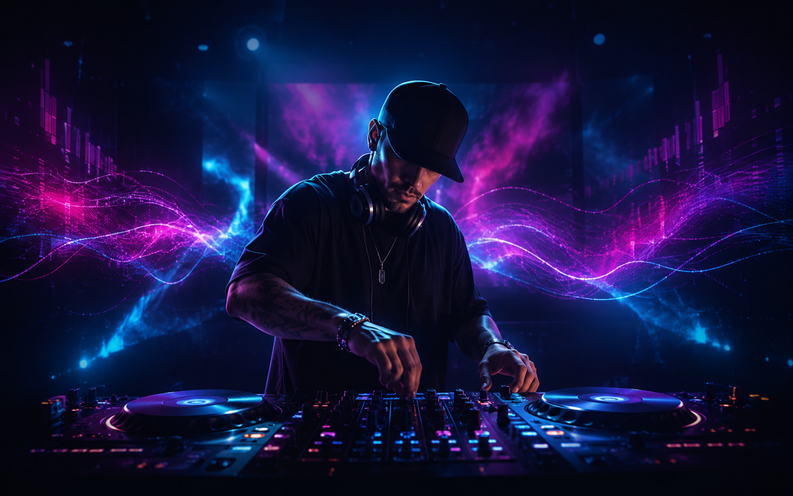
Beat Velocity Studio running live, beat-synced visuals for a DJ set.

DJs

Make every set look as good as it sounds. Auto beat detection and BPM-synced video speed keep loops, drops, and transitions locked to the track while you trigger looks from a MIDI or OSC controller, or a tablet, mid-mix.

Best for: clubs, mobile gigs, DJ livestreams, parties, and branded sets.
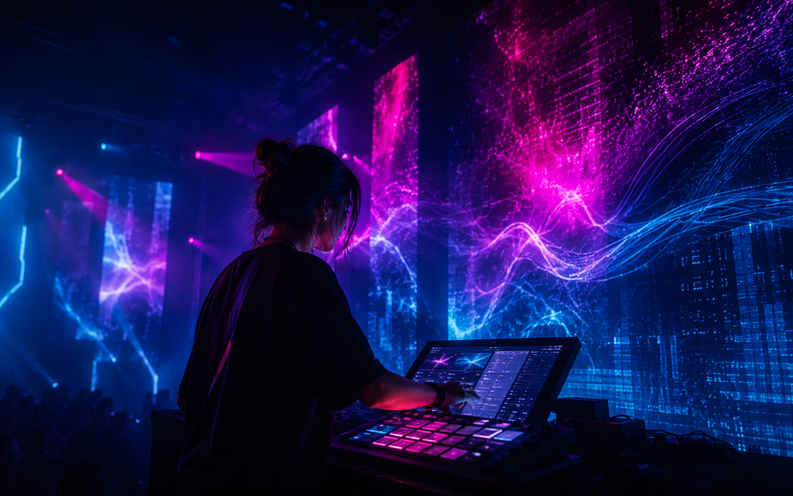
Beat Velocity Studio driving live VJ visuals for stage screens and projection.

VJs

Perform visuals with the music, not against it. Cue scenes, trigger transitions, and control live looks from a MIDI or OSC controller, or a tablet, while Beat Velocity keeps motion synced to the energy of the track.

Best for: stage screens, projection, clubs, livestreams, venue installs, and artist shows.
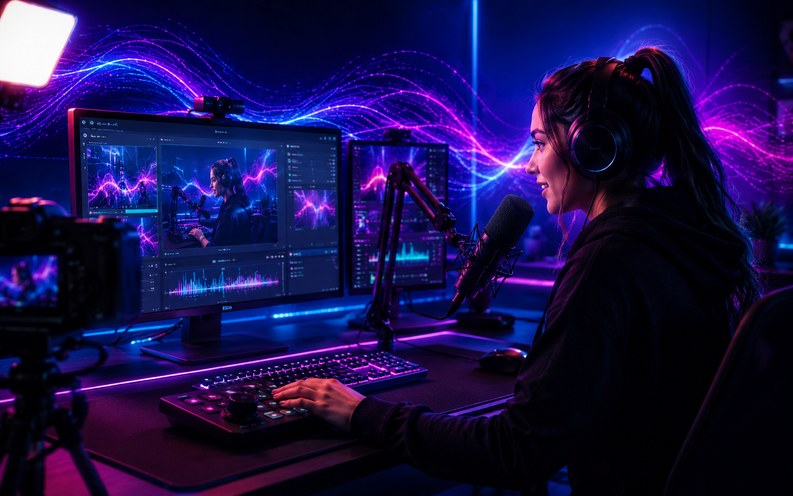
Beat Velocity Studio music-reactive overlays composited into a live stream in OBS.

Live Streamers

Make your stream feel alive. Cue music-reactive overlays, starting-soon screens, BRB loops, and effects from a tablet, then send them into OBS via NDI or Spout without touching your stream PC.

Best for: Twitch, YouTube, Kick, DJ streams, music shows, and live podcasts.

Beat Velocity Studio hype overlays layered over gameplay in OBS.

Gamers

Turn gameplay into a visual event. Layer reactive overlays, hype effects, and music-driven visuals over your gameplay in OBS, then trigger a visual moment with one tap while you stay focused on the game.

Best for: gameplay streams, highlight moments, esports-style scenes, and live reactions.
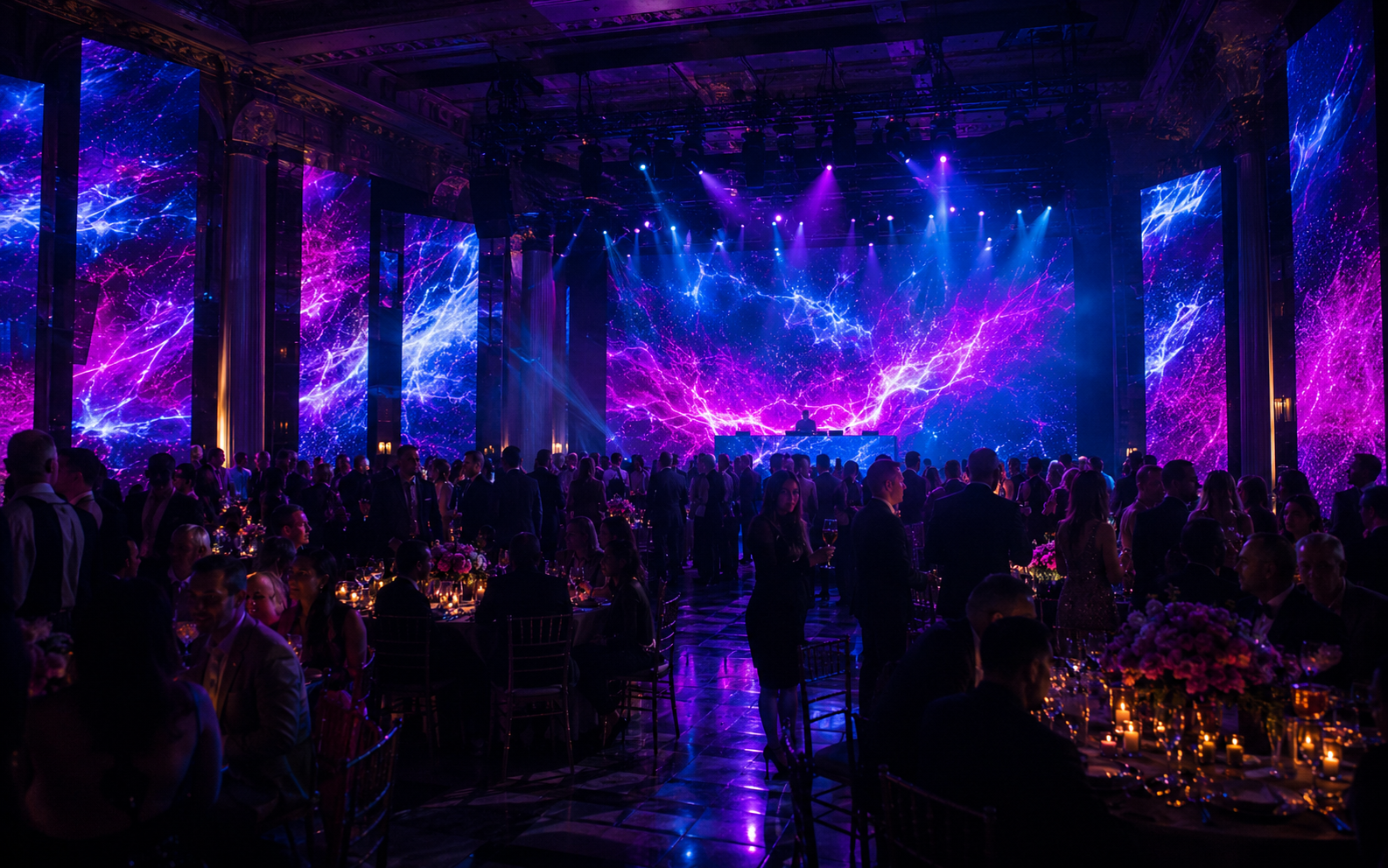
Beat Velocity Studio branded visuals running across event and venue screens.

Events and Venues

Make every screen part of the show. Run branded loops, logos, announcements, ambient visuals, and reactive effects across screens for weddings, mobile events, clubs, and fixed installs. Save presets per room and load in fast.

Best for: clubs, venues, weddings, corporate events, mobile DJs, bars, lounges, and installs.
Live Control

Cue visuals from your tablet, live

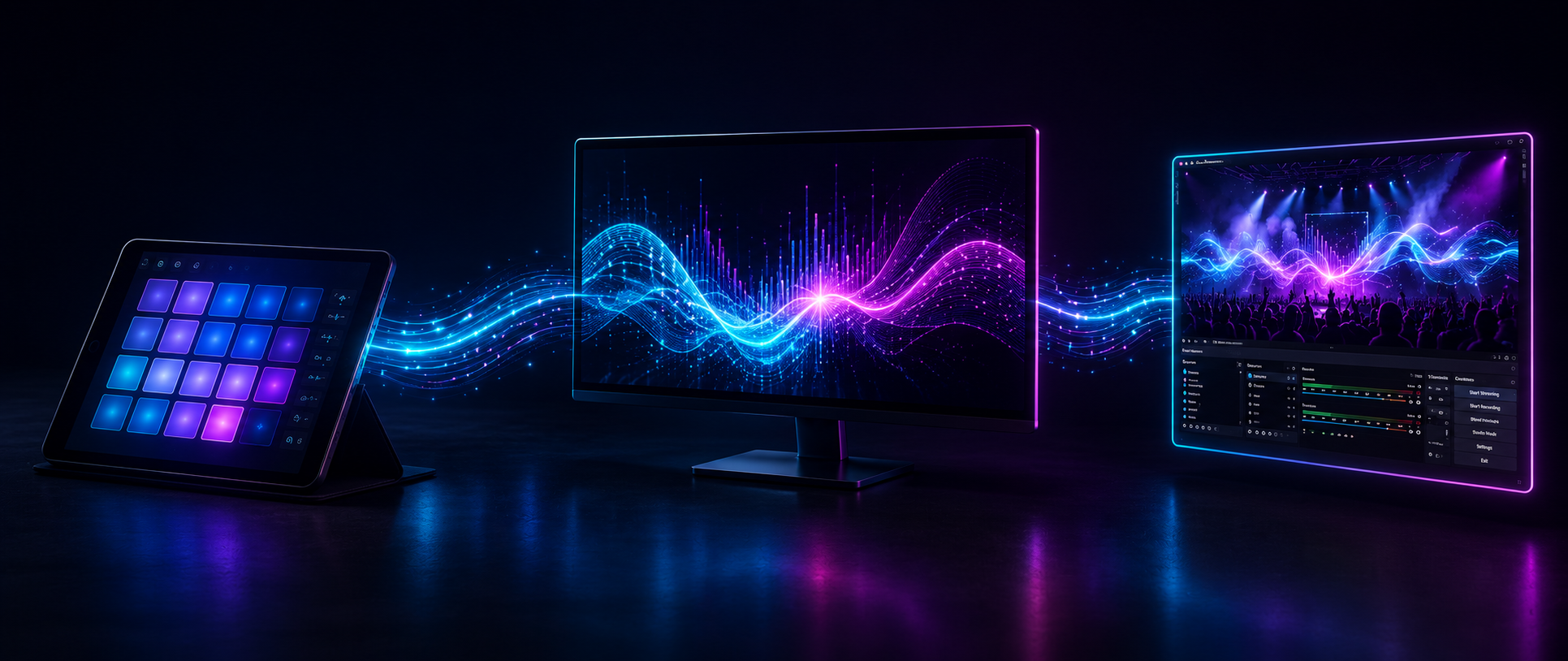
Behind the decks, on camera, in the game, or running the room, Beat Velocity Console turns your tablet into a live control surface for Beat Velocity Studio over OSC. Cue scenes, clips, overlays, and effects without reaching for the keyboard, interrupting the stream, or adding a second operator.

A tablet OSC grid cueing an overlay in Beat Velocity Studio and sending it to OBS over NDI or Spout.
1

Cue it from the tablet

Build an OSC grid in Beat Velocity Console. Each cell can trigger a scene, video clip, overlay, or effect on the render machine, so you can change the look without standing at the keyboard.

2

Perform the visual layer

Your tap fires the visual inside Beat Velocity Studio in real time. Blend it, beat-sync it, and shape opacity or intensity while your set, stream, game, or show keeps running.

3

Send it out

Route the mix to displays, projectors, and LED walls, or send it into OBS via NDI or Spout on Windows 11. Layer visuals over camera, gameplay, or video without adding a capture-card workflow.

What you need

  • Beat Velocity Studio on your macOS or Windows 11 machine
  • Beat Velocity Console on an Android tablet, with additional platforms coming soon
  • Both devices on the same local network
  • OBS or another NDI-capable tool, or Spout on Windows 11

Why performers like it

The visual layer stops being one more thing to babysit. Cue moments when they matter and keep your attention on the room, the mix, the game, or the camera.

  • Tablet cueing
  • Beat-synced effects
  • No keyboard reach
  • Straight to your outputs
Why It Works

Strong visuals change how the room feels

Beat Velocity Studio adds motion, identity, and energy to your screens without a separate visual station or extra operator. These are the tools that make it work on show night.

Real-time video effects

Trigger layered visuals that feel live and polished, ready for club screens, branded events, or a stream scene.

Music-reactive visuals

Motion, pulses, trails, and intensity shifts that respond naturally to the energy of the set.

Custom visual presets

Save looks for specific rooms, genres, and branded moments, then load them in fast on show night.

Performance-ready interface

Clean controls and fast selection for high-pressure sets, tight event timelines, and live cueing.

Prepared content on demand

Play videos, loops, logos, branded screens, and announcements the moment you need them.

Built for show-night workflows

Fast setup, MIDI and OSC control, and repeatable presets designed for real rooms, not post-production timelines.

Pricing

Simple plans, pricing to be announced after launch

Join the Private Beta now to help shape the plans and get first access to Founder pricing. Every paid license includes the full Beat Velocity Studio product and Beat Velocity Console tablet app.

Monthly License

Flexible for rotating gigs

Built for visual artists, creators, and event performers who want professional visual tools without a long-term commitment. Use it when your bookings are active, keep your setup flexible, and move to yearly when your schedule becomes more consistent.

  • Full Beat Velocity Studio feature set
  • Music-reactive visuals
  • Custom preset workflow
  • Includes Beat Velocity Console - The tablet companion app
  • Commercial event use
  • MIDI, OSC, DMX, NDI-ready workflows, and Spout output on Windows 11

Best for: Working performers who want maximum flexibility.

One-Time v3 License

Own the current major release

For performers and venues who want permanent access to the Beat Velocity Studio v3 major release without recurring subscription billing. Future major versions may require a separate upgrade.

  • Full Beat Velocity Studio v3 feature set
  • Includes Beat Velocity Console - The tablet companion app
  • No recurring subscription
  • Commercial event use
  • Best for fixed installations, venues, and long-term v3 setups

Best for: Users who want stable v3 access without monthly or yearly billing.

Take Control

Ready to make every screen part of the show?

Beat Velocity Studio helps you run music-reactive visuals, overlays, videos, and branded content live from the macOS or Windows 11 rig you can actually use on show night.